Clip Finder
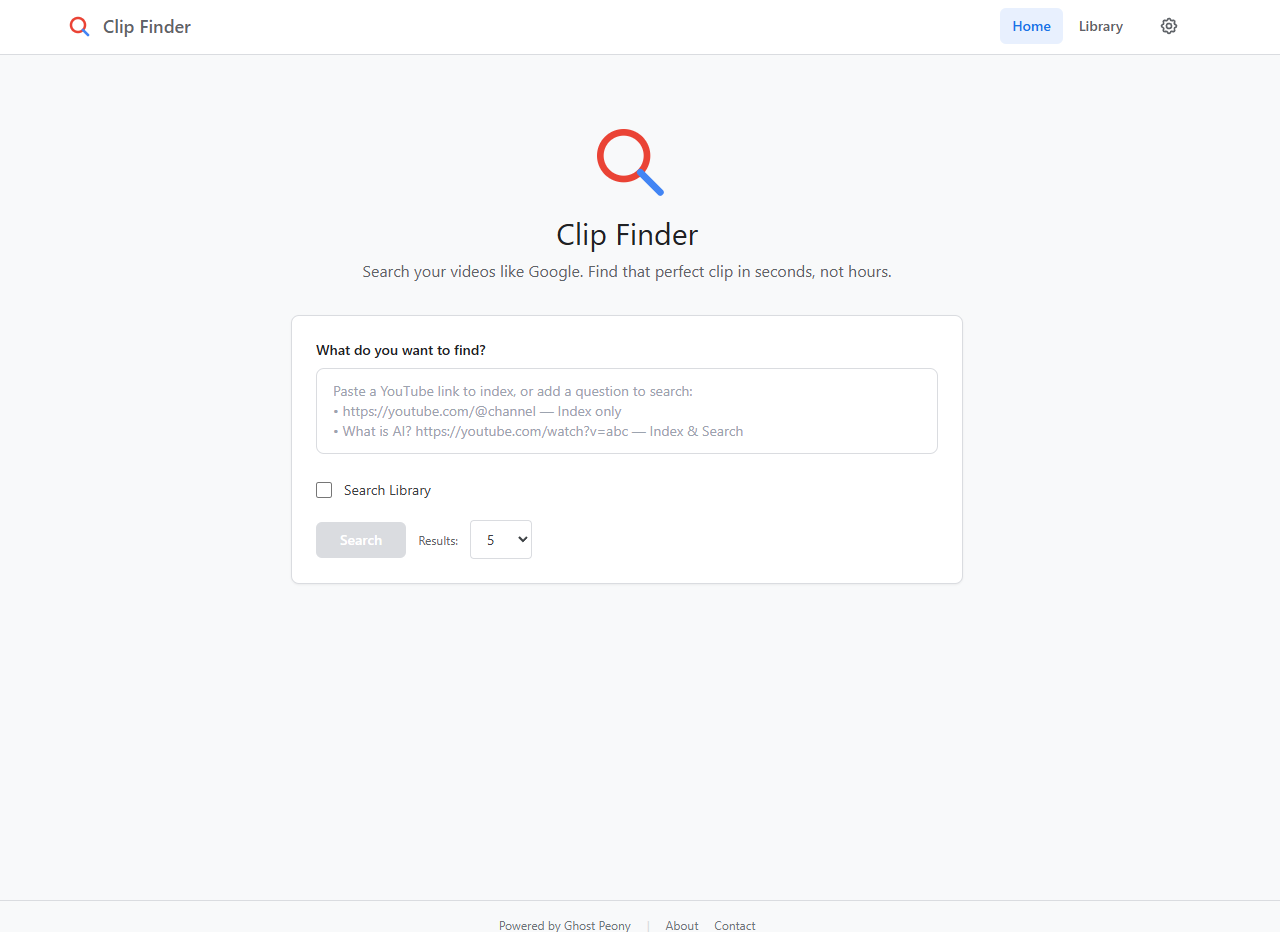
AI-powered semantic search for YouTube videos. Index any channel, playlist, or video and search through transcripts with natural language. Find the exact moment you're looking for.
Features
Everything You Need
Powerful tools for indexing, searching, and discovering content across YouTube videos.
Semantic Search
Find clips by meaning, not just keywords. Ask natural language questions and get precise results with timestamp citations.
Index Anything
Index entire channels, playlists, or individual videos. Smart skip ensures re-running on a channel only indexes new content.
Intro Skip
Automatically filters out the first 2 minutes of videos to avoid teasers and intros, giving you relevant content results.
Transcript Export
Download any video's transcript as SRT subtitles. View full transcripts for each clip with 60-second precision chunks.
BYOK
Bring Your Own Key — use your Gemini API key stored securely in your browser. No backend key storage required.
Local Storage
All data stored on your machine using ChromaDB. Full REST API with OpenAPI documentation for integration.
Built With
Modern Tech Stack
Get Started
Quick Start
Clone, install, and start searching in minutes.
git clone https://github.com/GhostPeony/clip-finder.git
cd clip-finder
# Install dependencies
pip install -r requirements.txt
npm install
# Start the backend (port 8080)
python backend/server.py
# Start the frontend (port 3001)
npm run dev
Ready to Find Your Clips?
Open source and free to use. Bring your own Gemini API key and start indexing your favorite YouTube channels today.
Get Clip Finder Updates
New features, indexing improvements, and releases. No spam.
Frequently Asked Questions
What is Clip Finder?
Clip Finder is a free, open-source AI-powered semantic search tool for YouTube videos. It lets you index entire channels, playlists, or individual videos and search through their transcripts using natural language queries. Results include timestamp citations so you can jump directly to the exact moment in a video.
How does semantic search work in Clip Finder?
Instead of matching exact keywords, Clip Finder uses AI embeddings to understand the meaning behind your query. You can ask natural language questions like "when did they talk about pricing?" and get relevant results even if those exact words never appear in the transcript. Transcripts are chunked into 60-second segments and embedded locally using ChromaDB for fast retrieval.
What video sources does Clip Finder support?
Clip Finder supports YouTube channels, playlists, and individual videos. You can index an entire channel at once, and smart skip ensures that re-running the indexer on the same channel only processes new content that hasn't been indexed yet.
Do I need an API key to use Clip Finder?
Yes, Clip Finder uses a Bring Your Own Key (BYOK) model. You need a Gemini API key, which is stored securely in your browser's local storage. There is no backend key storage, so your API key never leaves your machine.
How do I install Clip Finder?
Clone the repository from GitHub, install the Python dependencies with pip install -r requirements.txt, and install the frontend dependencies with npm install. Then start the FastAPI backend on port 8080 with python backend/server.py and the React frontend on port 3001 with npm run dev.
Is Clip Finder free?
Yes. Clip Finder is completely free and open source under the MIT license. The only cost is your own Gemini API usage, which has a generous free tier. All data is stored locally on your machine using ChromaDB.
Can I search across multiple YouTube channels at once?
Yes. Once you have indexed multiple channels, playlists, or videos, your search queries run across all indexed content at once. Results are ranked by semantic relevance regardless of which channel they came from, and each result includes the source video title and a clickable timestamp link.